

An unfortunate truth about me is that I have really specific taste and zero design vision or skill. I know exactly what I like when I see it but I couldn’t design something I like from scratch if my life depended on it.
I also really struggle to explain what I like and don’t like to designers for some reason. 🤷♀️ For years that meant I either settled for something almost-right, or spending hours in Canva and still not loving the result.
So, when Anthropic dropped Claude Design back in April, I immediately got to work figuring out what it was and how it could help me and others like me.
(Hat tip to Ben AI. This video helped a lot.)
The tl;dr is that Claude Design is absolutely life-changing… when it’s set up properly.
I’m going to teach you step-by-step to get it set up so that you can make any branded asset you need in your business in minutes.
We’ll cover:
What Claude Design is
A love note to designers
What a “design system” is
A quick tour of Claude Design
The step-by-step guide to build your own design system
Let’s get into it.
First, a love note to designers
Design has changed. Making a good visual image used to take time, money, or skill, and usually all three. That’s not true anymore.
AI can now make almost any image you can describe, which means you type out what you want in plain words and it creates it on the spot.
For my last newsletter I needed a picture of a unicorn playing badminton. The sky is the limit on weird shit you can make.
So the making part is now basically free and instant.
But, being able to generate an image is not the same thing as having a brand.
AI can make a picture of almost anything you ask for, but it can’t decide the meaning behind the look and feel of your business.
Even with how far AI has come, I’m not worried about designers. Just like I’m not worried about writers.
Great writing and great design are great thinking and AI can’t think.
A good designer takes the vague thing in your head, the part you can’t quite put into words, adds their human magic and turns it into something tangible.
Skilled designers take your whole business and work out what it’s about, who it’s for, and what makes it different from everyone else, and then they turn all of that into a look and feel that fits together and means something on a human level.
Designers use strategy, taste and judgment that AI has not been able to replace.
So here’s how I think about design now.
We non-designers can own the making part now.
Once you know what your brand is, you can make almost anything you need yourself, quickly and for very little.
The thinking, the concept and the strategy underneath a brand, is still worth paying an excellent designer for, when you’re able to.
But once that foundation exists, whether a designer built it for you or you put a version of it together yourself, you can use AI to make the assets you need day-to-day.
Claude Design makes that easier than ever.
What is Claude Design?
Claude Design is a tool inside Claude.
You describe what you want, and it designs it: slide decks, social media images, carousels, infographics, one-pagers, landing pages, thumbnails. You can edit what it makes by clicking on things and changing them directly.
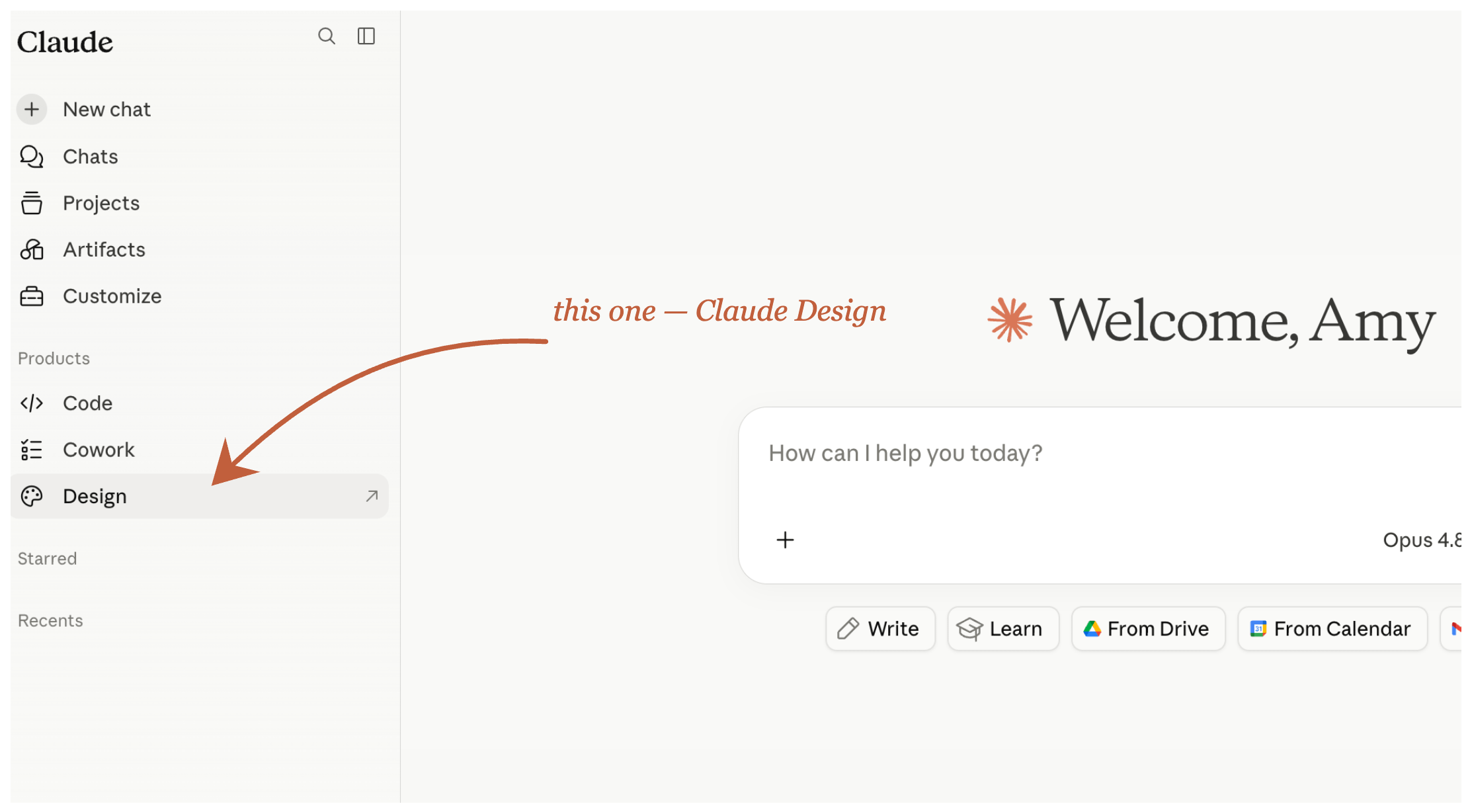
You can access it at claude.ai by going to the design tab or by going to claude.ai/design directly.
What is a design system?
A design system is a collection of everything that makes your brand look the way it looks, your colors, fonts, logo, and the general style you want your work to have, all kept in one place in Claude Design.
Once it’s set up, Claude Design knows what your brand looks like, and it can apply that to anything you ask it to make for you.
With a design system in place, you’re not describing your brand from scratch every single time you want to make something. You don’t need to give examples or prompt it.
Whatever you make, whether it’s a thumbnail, a carousel, or a one-page PDF, comes out on-brand.
A quick tour of Claude Design
Before we get started
Before we build, one reminder: you’re setting things up so your design is decided before you prompt, so a single prompt lands at 90%. It’s going to save you hours and hours in the future.
Also, this works whether or not you already have a brand.
If you do, we’ll take what you’ve already got, your colors, fonts, and logo, and get it set up in Claude Design.
If you don’t have a brand yet, and you’re not working with a designer, we’ll create one together in Claude Design, so you’ve got a real starting point to work from.
You can do this over an afternoon, or spread it across a few sessions.
I personally find this to be a pretty fun project and VERY useful so enjoy the process. I give you a Skill to support your process and I’ll walk through each part step-by-step with screenshots and videos to make it easy as possible.
A note for the non-beginners that already have a full brand. If you’re comfortable in Claude Code or Cowork, check out Ben AI’s install instead. His install sets up a web crawler and a headless browser (Firecrawl and Playwright), scrapes your live site, pulls your design tokens straight from your CSS, and outputs a developer-grade system.
I used it to install systems for two different brands and it’s top notch. My install below is adapted for less technical business owners.
FAQs
What do I need before I start?
A paid Claude plan. The two Claude tools we use, Claude Design and Cowork, are on Claude’s paid plans. The cheapest one that includes them is Pro, which is $20 a month, or $17 a month if you pay for the year. Max works too if you’re already on it. If you already pay for Claude, you’re all set.
The Claude desktop app. This one’s free to download. You need it because the “skill” I give you works with files on your computer, and the app can do that where the browser can’t.
And if you’ve never used Cowork, don’t worry, I got you.
Do I need to be technical?
No. If you can install an app and follow step-by-step instructions, you can do this. My goal is to make this easy for my non-techie people.
Does this work on Windows, or just Mac?
Both. The Claude desktop app comes in a Mac version and a Windows version.
Is the skill an extra cost?
No, the skill is included with the install.