

Granola is hands-down one of my favorite tools and I use it constantly. It saves me so much time.
I’m going to break down what it is, why it’s so great and how I’m using it to save me hours every week.
What is Granola?
Granola is a note taking and transcription app rolled into one.
It transcribes your meetings and turns any notes you take into a summary with the transcript. You get one summary that captures the word-for-word meeting AND any notes you took along the way.
It listens to the audio playing on your computer and turns it into text as the meeting happens. The audio itself isn't saved. What you keep is the transcript and your notes, not a video or audio recording.
And no bots join any of your calls to capture it.
Granola connects to your calendar and lives in your menu bar. You hit “Start meeting” when a call begins. It captures whatever audio is happening on your computer plus your mic — Zoom, Google Meet, Teams, in-person on speaker, phone calls.
At the end you get:
A clean summary, which can be organized by a template you’ve customized (action items, decisions, follow-ups, or any sections you define)
The full transcript, searchable
Any scratch notes you typed during the meeting, merged in
The ability to ask it questions about the meeting
This is what it looks like as it runs:
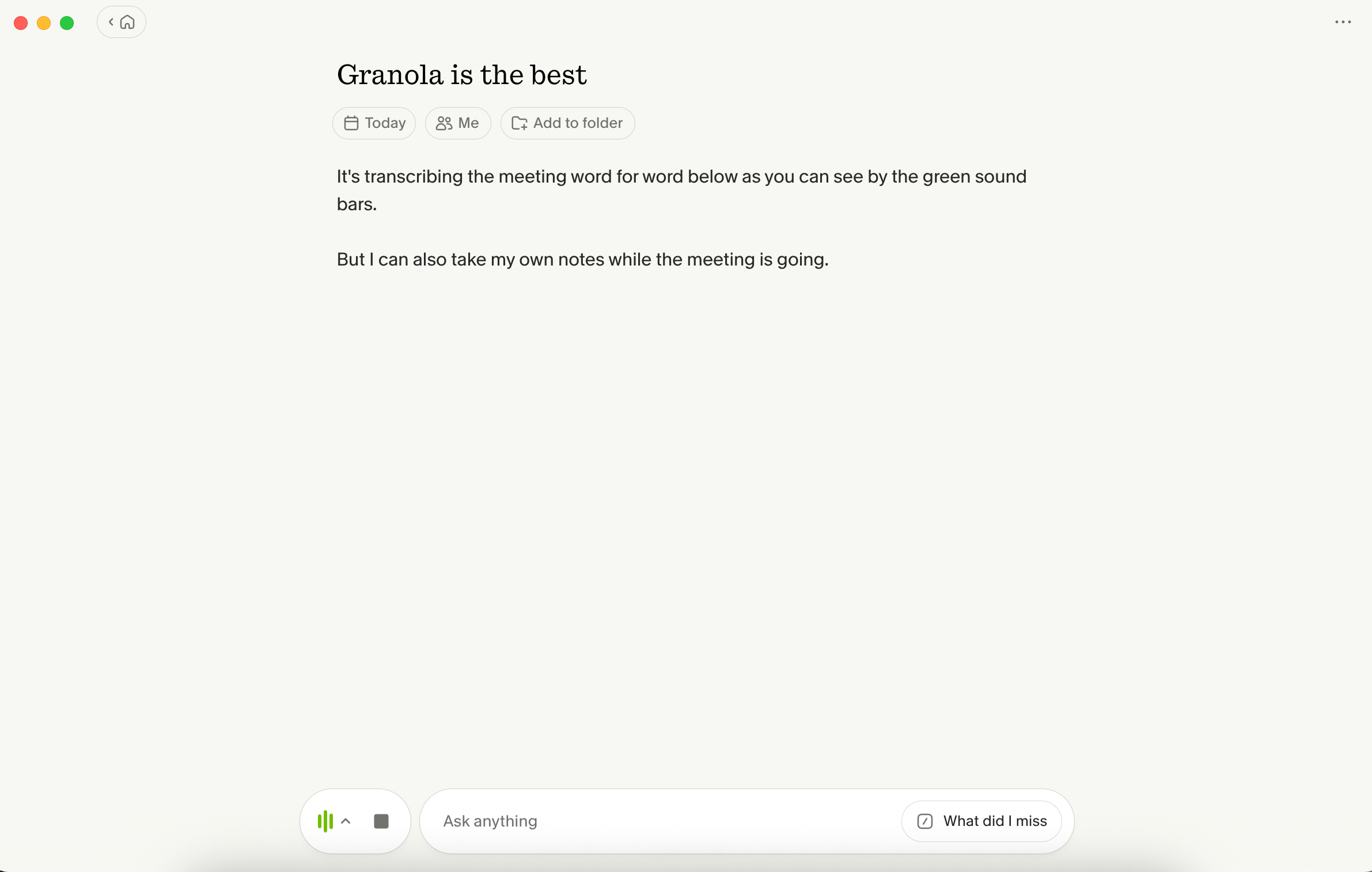
You can see at the bottom, the green bars.. it’s transcribing.
But, you can also take notes on the note pad at the same time.
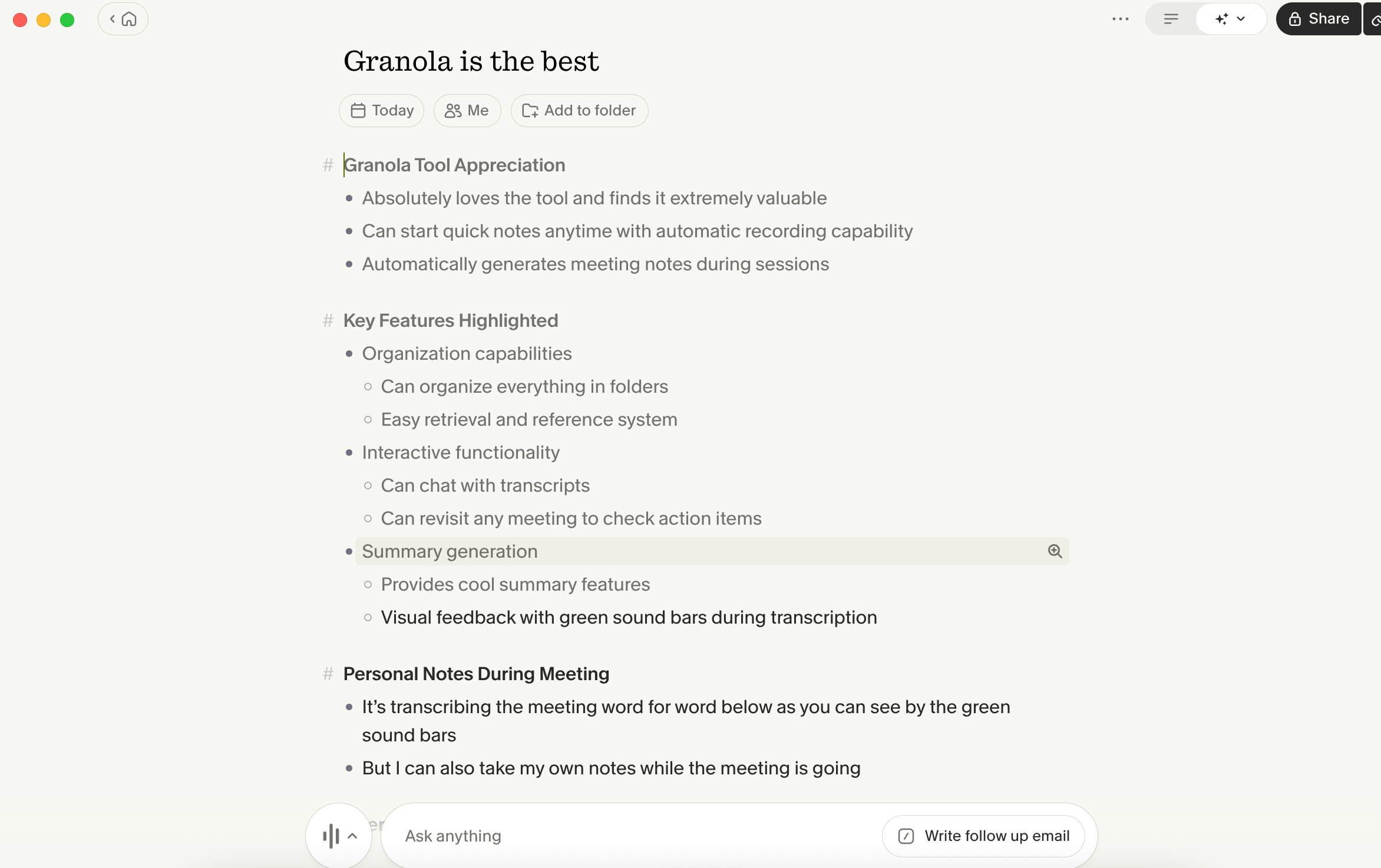
Once the meeting is done, you get a meeting note summary with any action items and it includes the notes you took.
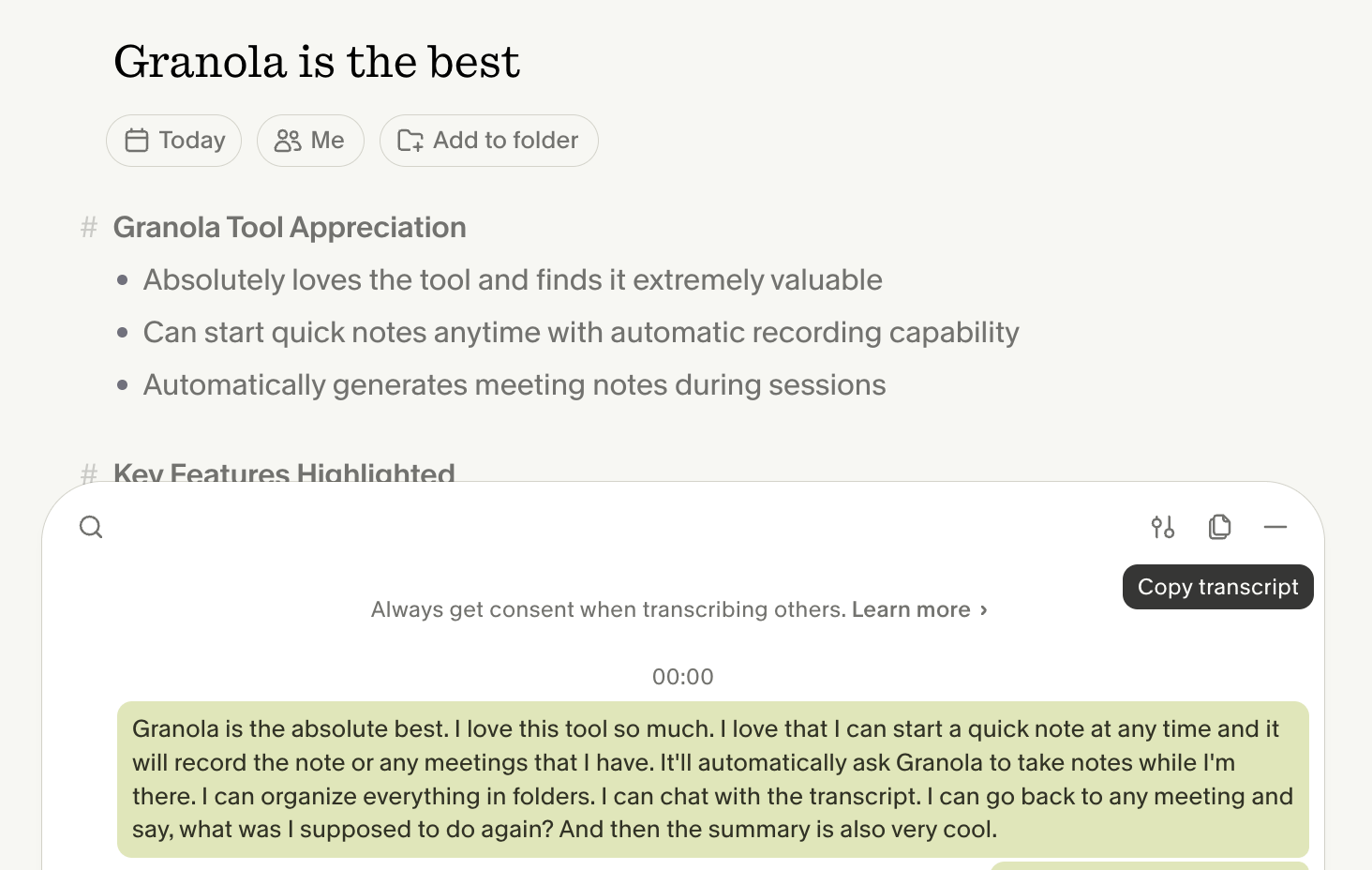
And if you click the sound bars afterwards, you have the whole transcript that you can save:
How it compares to other notetakers
I know there are a lot of AI note taking tools.
But, Fathom, Otter, Fireflies all join the call as a visible participant. You see “Fathom Notetaker” pop into Zoom.
They also only work on the platforms they integrate with — not phone calls, not in-person coffee meetings, not Slack huddles.
Granola sits on your computer and transcribes whatever’s playing.
You can also ask the transcript questions… "what did we agree on?", "list my follow-ups," "what did she say about x?" and it answers from what was actually said.
Why I love Granola
Three reasons, in the order they matter to me.
1. It captures every meeting type. Zoom, in-person, phone on speaker. It doesn’t care what platform I’m on. A coffee meeting with a client gets captured the same way as a Zoom call. One tool, every format.
2. No bot in the meeting. Clients and members see nothing. I don’t have to explain a third-party service to anyone.
3. There are no files to manage. The transcript can stay in your Granola account. If you use the paid account, you can just keep them there. I have each transcript pulled from Granola and added to my Claude Cowork workspace so the context from all meetings is available in any work I’m doing in Claude. (And I do most of my work in Claude.)
How to get started
1. Install it. Go to Granola and download the Mac, Windows, web, or iPhone app.
2. Set up one template. Open Settings → Templates. Build one template for the meeting type you run most often. A four-section structure works: Context, What we covered, Decisions, Follow-ups. Add more later.
3. Run it on your next meeting. Hit “Start meeting” in the menu bar when the call begins. Hit “Stop” when it ends. Don’t take notes by hand. Let it do the work.
The first meeting will feel almost too easy. By the third, you’ll wonder how you lived without it.
Amy x