

I was late to the party with Wispr Flow but I put it in place in 5 minutes and have been using it constantly ever since.
I’m going to break down what it is, why it’s so great, and how I use it every day.
What is Wispr Flow?
Wispr Flow is a voice dictation app. You hold a specific key, talk, and it types what you said into whatever window you’re working in — email, a doc, Slack, the browser, Claude.
It works in any text field on your computer or phone.
But it’s so much better than the most native mic options in apps. It cleans up how you talk to convert it to writing.
I ramble, I backtrack, I say “um.” Wispr cuts any filler, adds the punctuation, uses bullet points, and formats it.
It also matches the tone of where you’re writing — a quick Slack message comes out casual, an email comes out more composed. It learns the names and jargon you use often through a personal dictionary, and it works in over 100 languages.
It runs on Mac, Windows, and iPhone.
Why I love Wispr Flow
It works everywhere. In every app. I dictate into email, into documents, into Claude, into the browser. I use one key for everything.
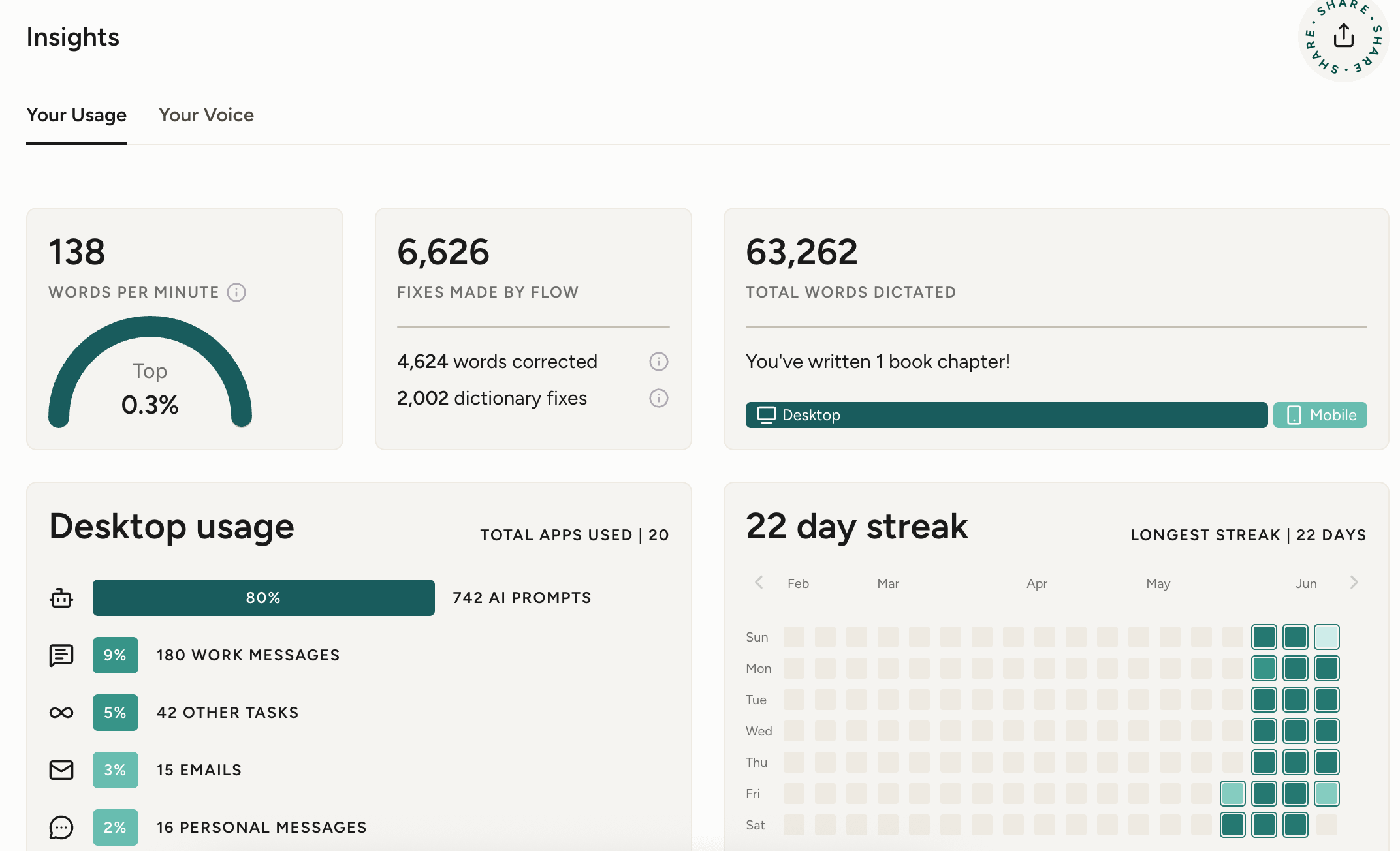
It keeps up with my brain. Wispr Flow says it’s 4x faster than typing. I can get things out quickly. This is especially helpful with quick emails, responding to posts online. I get so much more done.
It’s how I work with Claude. I run most of my business through Claude, and I’d rather talk to it than type. With Wispr Flow, I’m able to speak my prompts quickly, and Claude gets to work. I make quick refinements, and it gets back to work.
How to get started
Install it. Go to wisprflow.ai and download the Mac, Windows, or iPhone app.
Set your hot key. Pick the shortcut you hold to talk. Choose something easy to reach — you’ll use it constantly. (I use my “Option” button)
Start talking instead of typing and be amazed.
Amy x
This is such a great tool! One thing that I'm noticing is that I'm enjoying using my voice more and articulating my thoughts through voice versus typing. Especially working from home alone, sometimes I don't speak much at all during the day, so it's made a big difference in having the space to exercise that muscle.